
Weffoo
Your focus has a place now.
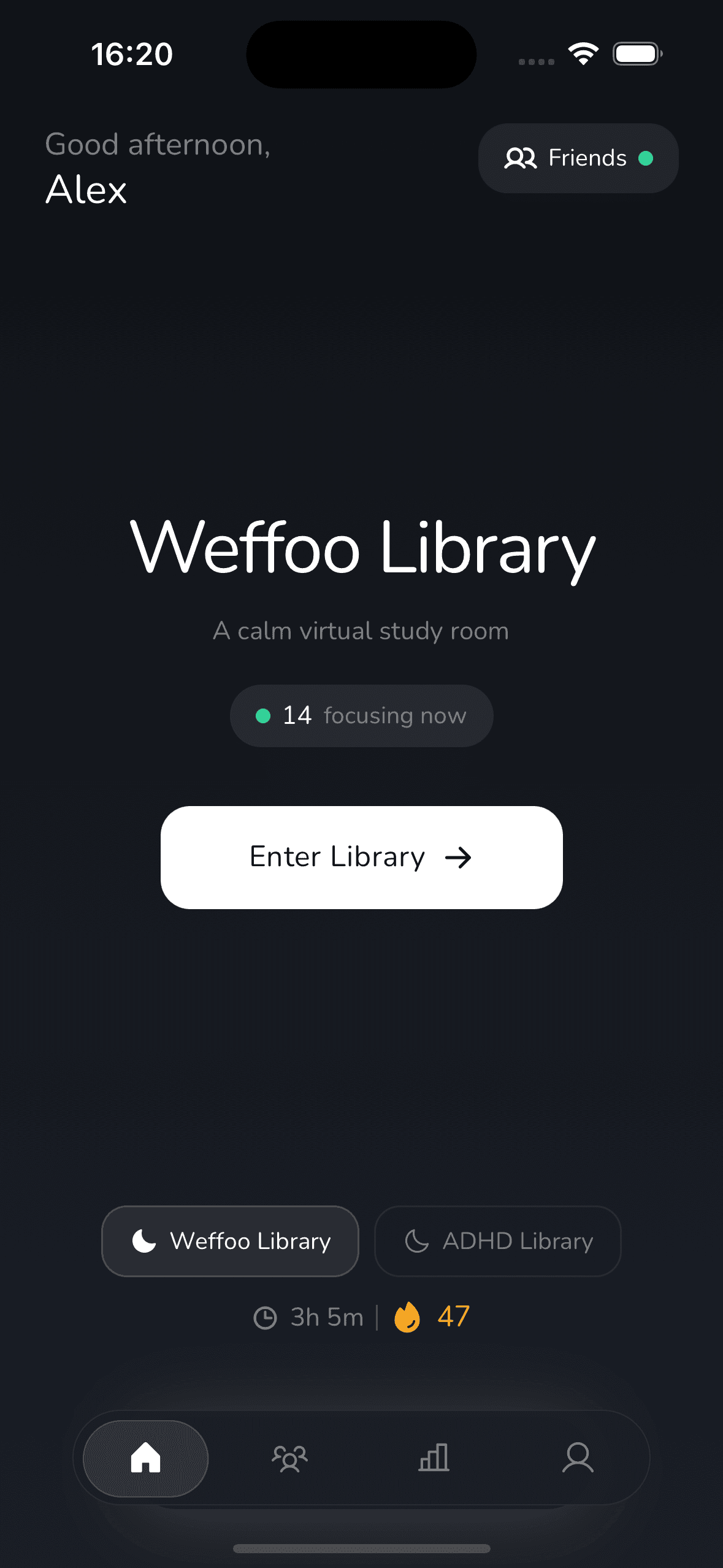
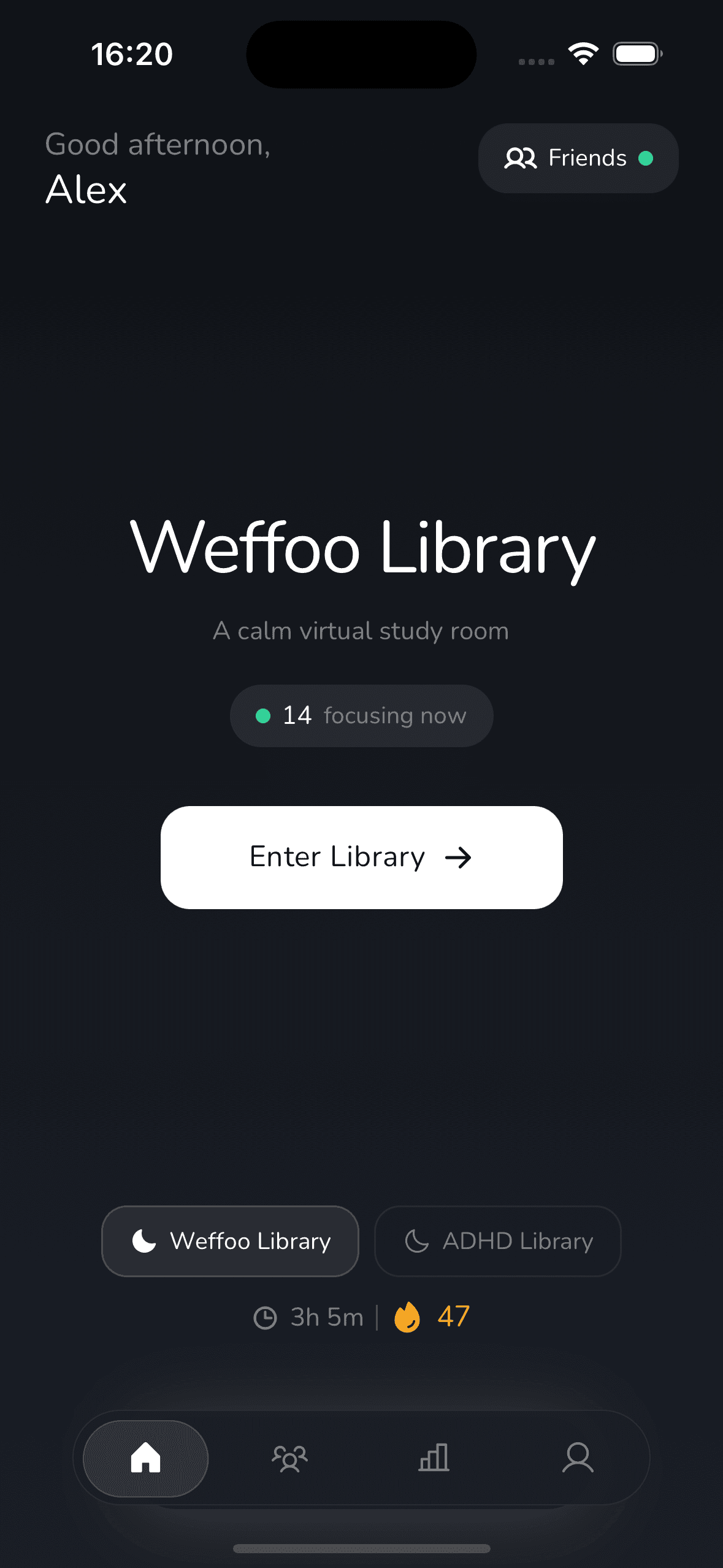
A virtual library where you sit alongside others and stay focused — together. Structured Pomodoro sessions. Silent by design.
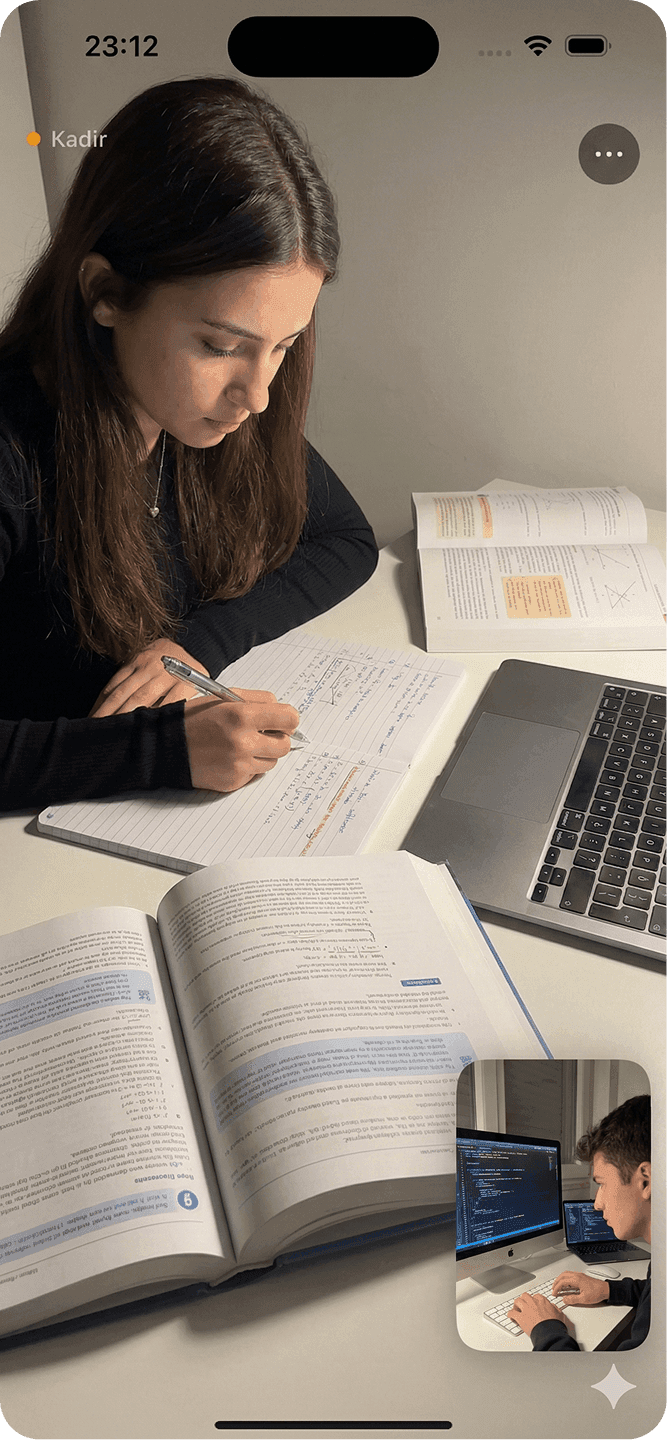
Friend Mode
Start a session with a friend. Cameras on, timer running. No chat — just mutual presence.
Library Mode
Sit at a virtual table alongside 2–6 people. The café atmosphere, anywhere.
Solo Mode
Work on your own with a Pomodoro timer. No partner needed.
How it works
Three ways to focus
Choose the mode that fits your rhythm.
Friend Mode
Start a session with a friend. Cameras on, timer running. No chat — just mutual presence.
Library Mode
Sit at a virtual table alongside 2–6 people. The café atmosphere, anywhere.
Solo Mode
Work on your own with a Pomodoro timer. No partner needed.
Make it yours
Six color palettes to match your mood.
And more
3 work tempos — 25, 50, or 90 minutes
Ambient sounds — rain, café, and more
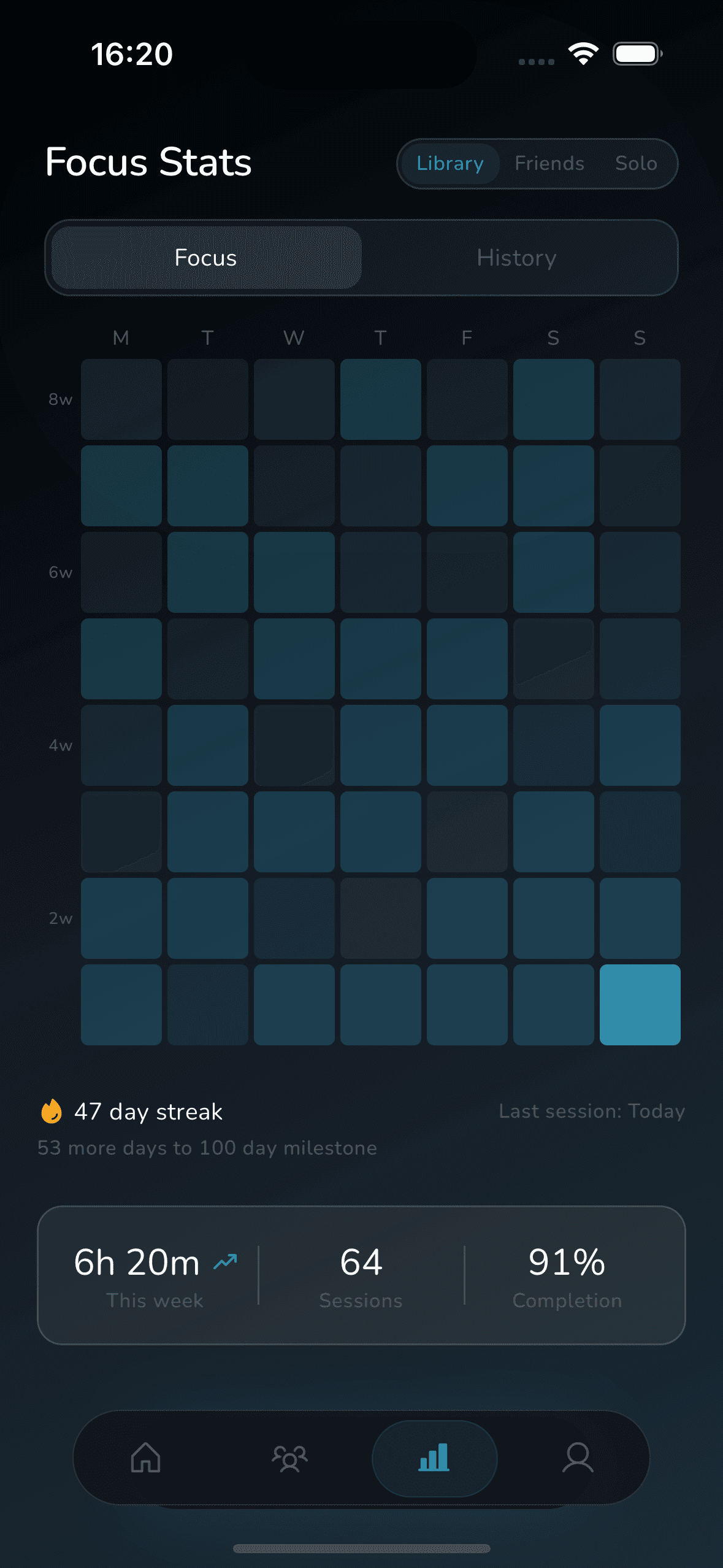
Add friends, track stats, view history
Available in 12 languages
Focus on any screen
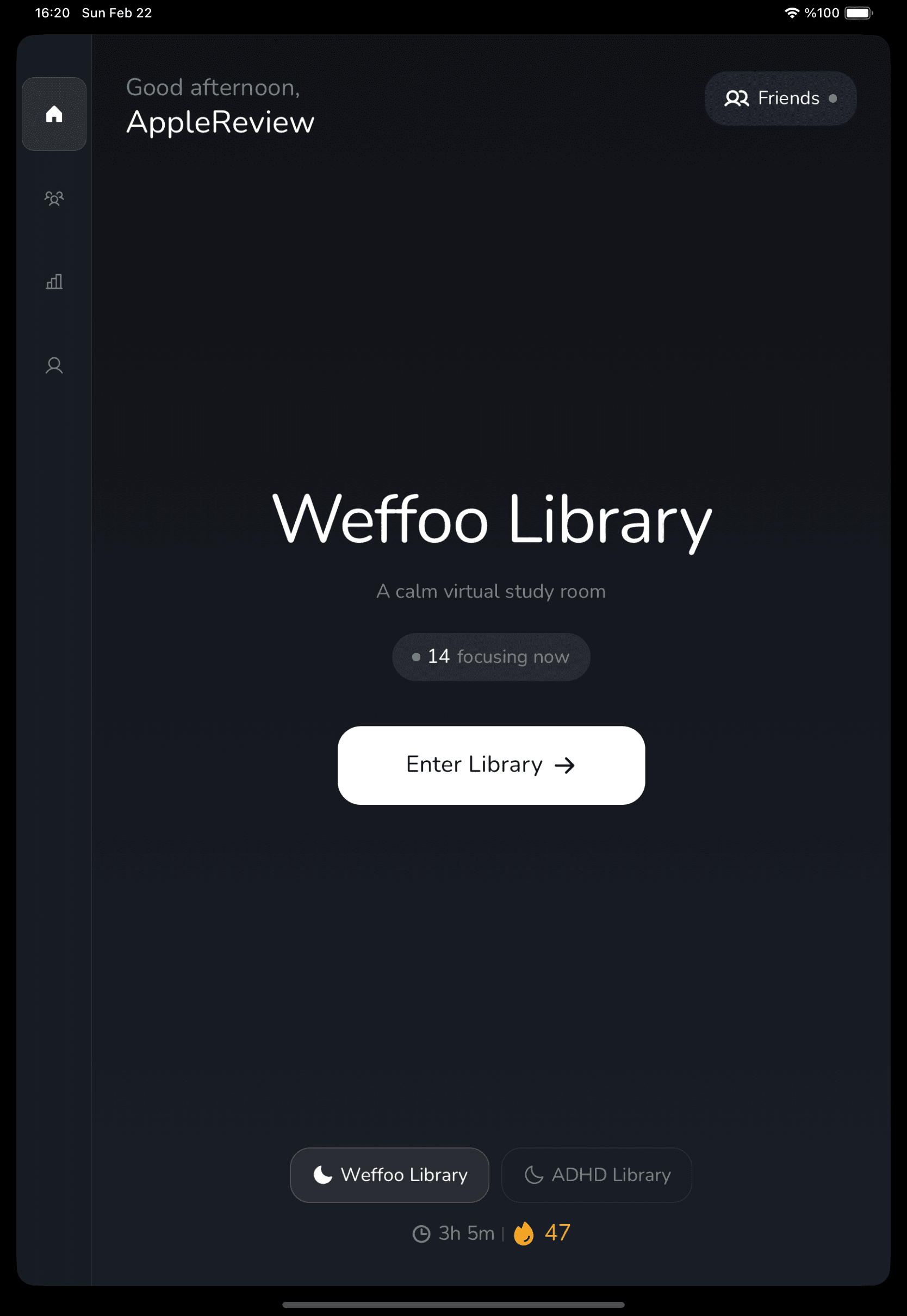
Available on iPhone and iPad. Android coming soon.
FAQ
Questions
Is Weffoo available on Android?
Weffoo is currently available on iOS for iPhone and iPad. The Android version launches on April 1, 2026.
Is this random matching?
No. Weffoo uses Virtual Libraries — themed rooms where you choose where to sit. You work alongside real people, not random strangers paired by algorithm.
How do Virtual Libraries work?
Each library has tables you can join. Start a Pomodoro session and focus alongside others. Mics are muted during focus time. Social interaction happens naturally during breaks.
What makes weffoo different from other Pomodoro apps?
Most Pomodoro apps are just timers. Weffoo combines the Pomodoro technique with body doubling — the proven productivity method of working alongside others. You get real human presence in virtual libraries, not just a countdown clock.
Is weffoo free?
Yes. Weffoo is free to download and use with all core features — Friend Mode, Library Mode, Solo Mode, and ambient sounds. Advanced Pro features are available through a subscription for those who want to take their focus further.
What is body doubling and how does weffoo use it?
Body doubling is a focus technique where the presence of another person helps you stay on task. It's widely used in ADHD management and works for everyone. Weffoo digitizes body doubling through virtual libraries where you work alongside real people in silence.
Can I study with friends on weffoo?
Yes. Friend Mode lets you start a 1-on-1 Pomodoro session with a friend. Cameras stay on, the timer runs, and you focus together — no chatting during work time. You can also sit at the same table in Library Mode.
Start focusing today.
Download weffoo and find your seat in the library.
Free to download. Available on iOS. Android coming April 1.